

Snapchat is a fun and fast-paced app. People love it because it’s spontaneous, private, and keeps you connected with your friends in real-time. But sometimes, Snapchat can throw us a curveball with its icons and little symbols.
One of the most common questions people ask is:
“What does the green dot mean on Snapchat?”
If you’ve recently noticed a green dot on Snapchat, especially next to someone’s Bitmoji or profile, you’re not alone. Many users are curious about this mysterious indicator.
In this in-depth guide, we’ll break down what the green dot means, where you see it, and how it works. Whether you’re just getting started with Snapchat or you’ve been snapping for years, you’ll walk away with a crystal-clear understanding of this small, but meaningful feature.
Quick Answer: What Does the Green Dot Mean on Snapchat?
Let’s not waste time — here’s the simple version:
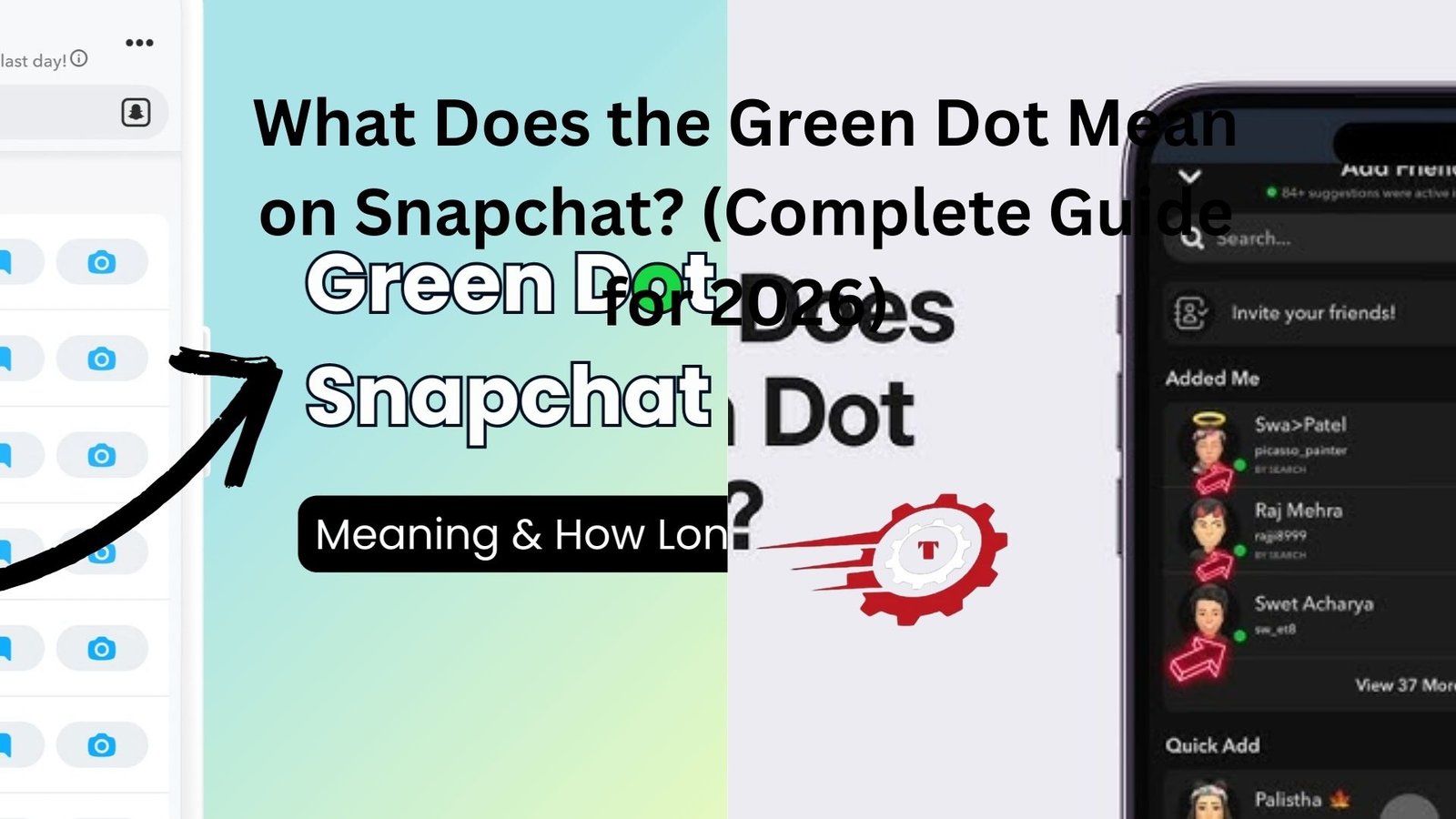
The green dot on Snapchat means that your friend is currently online and active on Snapchat.
It’s Snapchat’s way of showing you that someone is using the app at the moment. The idea is to help you know who might respond quickly or who’s available to chat right now.
But there’s more to it. So let’s go deeper.
A Little Context: How Snapchat Shows Activity
Snapchat isn’t like Instagram or Facebook, where your online status is always obvious. For a long time, people didn’t know when others were online — and that’s kind of what made Snapchat feel private.
But in 2021, Snapchat quietly introduced Activity Indicators, and part of that included the green dot.
This was a major shift. Now, Snapchat gives you subtle signs about who’s online — without making it too obvious or invasive.
Let’s break this down even further.
Where Do You See the Green Dot on Snapchat?
You’ll usually spot the green dot in these areas:
- On your friends list (next to a Bitmoji or profile picture)
- When you search for a friend’s name
- On someone’s profile page, next to their Bitmoji
The dot usually appears in the top-right corner of their profile circle.
Important: Not everyone shows a green dot, and there’s a reason for that — more on it soon.
What the Green Dot Actually Tells You
To be more precise, the green dot means:
- The person has been active on Snapchat within the last 10 minutes
- Their Activity Indicator is turned on
- You are mutual friends with them
So, it doesn’t necessarily mean they’re staring at the app right this second, but it does suggest they were online very recently.
Think of it like a gentle “Hey, I was just here!” signal.
Can You Turn the Green Dot Off on Snapchat?
Yes — and this is super important if you value privacy.
The green dot is completely optional. Snapchat gives users the choice to hide their activity.
Here’s how you can turn off the green dot:
Step-by-Step Guide to Turn Off Your Green Dot
- Open Snapchat
- Tap your Bitmoji/profile icon in the top-left
- Tap the gear icon to open Settings
- Scroll down to “Privacy Control”
- Tap “Activity Indicator”
- Toggle it OFF
That’s it! Now, no one will see the green dot on your profile — even if you’re actively using the app.
Why Snapchat Added the Green Dot (The Real Reason)
Snapchat is all about keeping things in the moment. So why introduce an online status indicator?
The answer: engagement.
Snapchat wants to make it easier for friends to connect in real-time. By letting you see who’s online, you’re more likely to:
- Start a conversation
- Send a quick Snap
- Jump into a video call
- Or just check in and say hi
In short, the green dot encourages more real-time interaction.
Is the Green Dot 100% Accurate?
Good question — and here’s where it gets a bit tricky.
The green dot is mostly accurate, but it’s not updated in real-time like some other apps.
Here’s what we know:
- It shows up when someone has been active within the past 10 minutes
- If they close Snapchat, the dot may still show up for a few more minutes
- If their Activity Indicator is off, you won’t see it — even if they’re online
So, don’t rely on it like a clock. It’s more of a soft indicator than a hard fact.
A Personal Anecdote: The Green Dot Surprise
Let’s make this real for a second.
I once sent a message to my friend Jenna, who usually takes hours to reply. But one day, I noticed a tiny green dot next to her Bitmoji. I thought, “Wait a second… she’s online?”
So I sent her a Snap. She replied instantly. We ended up chatting for 45 minutes, just catching up and laughing like old times.
That little green dot? It gave me the green light to reconnect.
FAQs About the Green Dot on Snapchat
Does the green dot mean someone is watching your story?
Nope. The green dot has nothing to do with story views. That’s a totally different feature.
Can you see who’s looking at your profile because of the green dot?
No. The green dot only shows you who’s active, not who’s checking your profile.
Why don’t I see the green dot on some friends?
There are a few possible reasons:
- They turned off Activity Indicator
- You’re not mutual friends
- They haven’t used Snapchat recently
- You’re using an older version of the app
Is the green dot the same as the Snapchat score updating?
Not exactly. While a rising Snapchat score may suggest someone is active, the green dot is a separate feature and can appear even if someone’s not sending or receiving Snaps.
Other Indicators on Snapchat You Might Confuse
Snapchat has several little signals. Let’s quickly compare:
| Symbol/Icon | Meaning |
|---|---|
| Green Dot | Active recently on Snapchat |
| Snapstreak (fire emoji) | You and a friend are snapping daily |
| Story Ring (colored) | New story posted |
| Timestamp | Last time someone opened a Snap |
| Private Story Lock Icon | Only selected people can view a story |
| So if you’re wondering, “What does that mean on Snapchat?” — chances are, it’s one of these. |
Pro Tips for Using the Green Dot
Here are a few bonus ideas to use the green dot smartly:
- Time your messages: If someone is online, they’re more likely to respond.
- Avoid being too eager: Just because someone’s active doesn’t mean they want to chat. Respect their vibe.
- Use it to reconnect: Seeing someone online? Say hi — you never know where it might lead.
Semantically Related Keywords (Explained Simply)
To boost your understanding (and your SEO knowledge), here are some related keywords and phrases that come up with the green dot on Snapchat:
- Snapchat active now
- Snapchat status indicator
- What does green dot mean on Bitmoji
- Snapchat online status
- How to turn off Snapchat activity
- Green dot next to name Snapchat
- Snapchat privacy settings
These terms all describe or connect to the same idea: knowing when someone’s active or online on Snapchat.
Final Thoughts: The Green Dot Isn’t Everything, But It’s Something
In a world full of pings, alerts, and notifications, it’s easy to overthink every little dot or status update.
But here’s the truth:
The green dot on Snapchat is just a small way of showing your friends are around.
It doesn’t mean they’re waiting for your message. It doesn’t mean they’re ignoring you. It just means… they’re there.
Use it as a tool — not a signal of obsession.
And if you want more privacy? Turn it off. That’s the beauty of Snapchat: you’re in control.
