

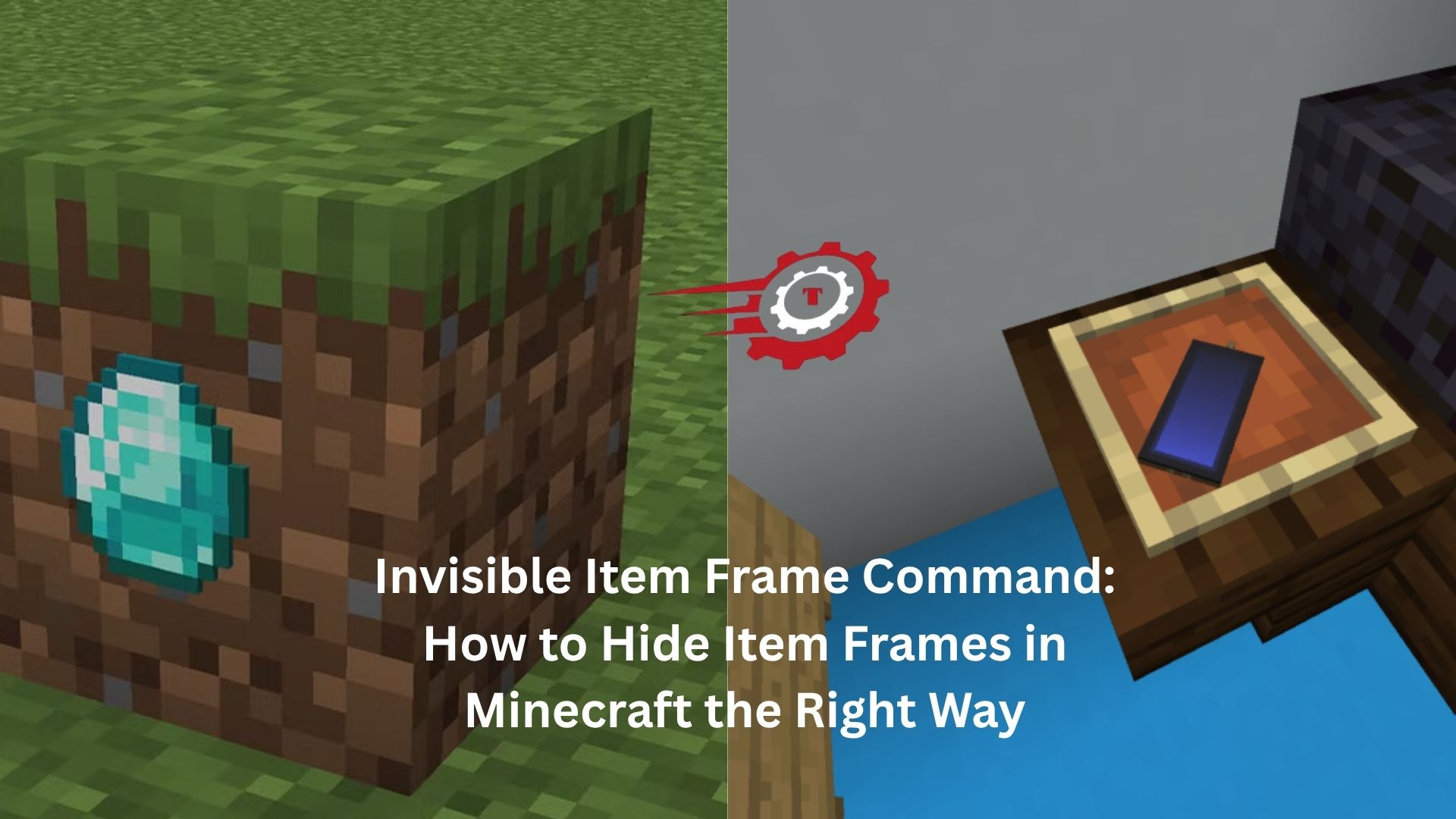
Minecraft builders are always looking for ways to make creations feel cleaner, more realistic, and less cluttered. One small trick can make a surprisingly big difference: invisible item frames.
If you’ve ever placed a map on a wall and wished the frame itself would disappear, you’re not alone. The visible wooden border can break the illusion of a custom painting, a computer screen, a decorative shelf item, or even a modern control panel. That’s where the invisible item frame command comes in.
It’s one of those simple features that opens up dozens of creative possibilities once you start using it.
What Is an Invisible Item Frame?
An invisible item frame is exactly what it sounds like. The frame still exists and functions normally, but its wooden border becomes hidden. The item inside remains visible.
The result looks much cleaner.
Imagine placing a clock on a wall. Normally, you’d see the square frame around it. With an invisible item frame, the clock appears to be mounted directly onto the wall. The same trick works with maps, tools, heads, compasses, and countless decorative items.
Builders often use invisible item frames to create custom furniture, detailed interiors, and realistic decorations.
The Invisible Item Frame Command
The most common command is:
/give @p item_frame{EntityTag:{Invisible:1b}} 1
In newer Minecraft Java Edition versions, command syntax may vary slightly depending on updates and data component changes. If the command above doesn’t work on your version, you may need an updated format.
For many players, the easiest method is using:
/summon item_frame ~ ~ ~ {Invisible:1b}
This summons an invisible item frame directly into the world.
Version differences matter here. Minecraft has changed command systems several times over the years, so a command that worked perfectly in one release may need adjustments in another.
Why Builders Love Invisible Item Frames
Let’s be honest. Regular item frames can sometimes look bulky.
You’re trying to create a modern television. You arrange several maps together to form a large display. Everything looks great except for the wooden borders separating each section.
Switch to invisible item frames and suddenly the display looks seamless.
The same thing happens with decorative kitchens. A piece of bread can become a loaf sitting on a countertop. A clock can become a wall-mounted thermostat. A compass can look like part of a navigation panel.
The item becomes the focus instead of the frame.
That’s why invisible item frames show up in so many advanced builds.
Creative Uses That Actually Look Good
Some Minecraft tricks feel clever for about five minutes and then never get used again.
Invisible item frames are different.
Players regularly use them because they solve real design problems.
Custom Wall Decorations
Maps are probably the most popular use.
Large map murals become much more immersive when you can’t see frame borders around every section.
Many adventure map creators also use invisible item frames to display custom textures and artwork.
Furniture Details
A simple example helps here.
Place an invisible item frame on the side of a cabinet and insert a tripwire hook. Suddenly it looks like a drawer handle.
Put one on a wall with a clock inside and you’ve created a mounted clock without the distracting frame.
Tiny details like these often separate average builds from impressive ones.
Interactive Control Panels
Redstone builders frequently use invisible item frames as buttons, indicators, and decorative controls.
A compass can represent a navigation system.
A colored map can act as a display screen.
Different tools can become switches or machinery components.
Because the frame itself disappears, the design feels much more intentional.
Hidden Storage Markers
Some players use invisible item frames as organizational tools.
For example, a storage room might have invisible item frames attached to chests with icons showing what’s inside. The visual marker remains visible while avoiding unnecessary clutter.
The room stays clean and easy to navigate.
Java Edition vs Bedrock Edition
This is where confusion often starts.
The invisible item frame command is primarily associated with Java Edition because Java supports more advanced command customization.
Bedrock Edition handles things differently.
Some Bedrock versions don’t support the same command structure used in Java. Instead, players often rely on special world settings, add-ons, or alternative methods.
If you’re following a tutorial and the command refuses to work, check whether the guide was written for Java or Bedrock.
That single detail solves a lot of headaches.
Common Problems and Fixes
Invisible item frame commands are usually straightforward, but a few issues come up repeatedly.
Commands Are Disabled
This sounds obvious, but it’s surprisingly common.
Commands only work when cheats are enabled or when you’re using an operator account on a server.
Without permission, the command simply won’t run.
Wrong Minecraft Version
Minecraft commands evolve over time.
A command from a three-year-old video may not function correctly today.
If you copy a command and receive syntax errors, check the version number before assuming you’ve done something wrong.
Frame Is Invisible but Hard to Access
Once the frame disappears, interacting with it can become tricky.
You know it’s there, but you can’t actually see it.
Many players temporarily enable hitboxes or carefully target the item when they need to rotate or remove it.
It’s a small inconvenience that comes with the cleaner appearance.
Survival Mode Considerations
Invisible item frames are mostly associated with creative building, but some servers make them available in survival mode as well.
When that happens, players often become surprisingly creative.
A medieval tavern might use invisible item frames to display mugs and food items.
A modern city build can feature realistic signs, monitors, and decorations.
One server owner described invisible item frames as “the feature nobody notices until it’s gone.” That’s a pretty accurate summary.
Once you’ve built with them for a while, regular item frames start feeling much more restrictive.
Combining Invisible Item Frames With Other Building Tricks
The real magic happens when invisible item frames are combined with other techniques.
Player heads can become detailed decorations.
Custom maps can simulate paintings or screens.
Resource packs can transform ordinary items into entirely different objects.
Put those elements together and Minecraft starts looking very different from its default appearance.
For example, a builder might place invisible item frames around a kitchen and use custom-textured items to represent utensils, appliances, and decorations.
To visitors, it looks like custom furniture.
Behind the scenes, it’s just clever use of game mechanics.
That’s one reason invisible item frames remain popular years after their introduction.
Are Invisible Item Frames Worth Using?
For casual players building simple houses, maybe not.
For anyone who enjoys detailed construction, interior design, roleplay environments, or adventure maps, they’re absolutely worth learning.
The command itself takes seconds to use.
The visual improvement can transform an entire build.
Many Minecraft features add complexity without adding much value. Invisible item frames do the opposite. They’re easy to understand and immediately useful.
You don’t need advanced command knowledge.
You don’t need complicated redstone systems.
You simply hide the frame and let the item stand on its own.
Final Thoughts
The invisible item frame command is one of those small Minecraft tools that quietly changes how you build. At first, it seems like a minor cosmetic tweak. Then you start using it for wall decorations, furniture details, storage systems, and custom displays.
Before long, you notice how much cleaner everything looks.
That’s the real appeal. Invisible item frames remove visual distractions and allow your design ideas to take center stage. Whether you’re building a massive adventure map or just decorating a single room, they’re an easy way to make your world feel more polished and professional.
