

You copy a line of text. Nothing unusual. Then you try to paste it into another app—and suddenly you’re blocked by a message that feels way more dramatic than the situation deserves:
“Your organization’s data cannot be pasted here.”
It’s one of those errors that shows up out of nowhere, interrupts your flow, and leaves you wondering what rule you just broke. If you work across Microsoft 365 apps—Outlook, Teams, Word, Excel—you’ve probably seen it at least once. Maybe more.
Here’s the thing: this message isn’t random, and it’s not a glitch most of the time. It’s doing exactly what it was designed to do. The problem is, that design isn’t always obvious.
Let’s break down what’s actually happening, why this error shows up, and what you can realistically do about it.
What the Error Really Means
At its core, this message is about data protection.
Microsoft 365 uses something called Microsoft Intune App Protection Policies (or MAM—Mobile Application Management) to control how company data moves between apps. These policies draw invisible boundaries around “safe” apps and “untrusted” ones.
So when you try to paste content, Microsoft checks:
- Where the data came from
- Where it’s going
- Whether that movement is allowed
If the move crosses a boundary that IT has locked down, you get blocked. Simple as that.
Think of it like trying to take a confidential document out of a secure office. If the policy says “no documents leave this room,” it doesn’t matter how harmless your intent is—the door stays closed.
The Most Common Trigger: App Protection Policies
This is the big one.
If your organization uses Intune, there’s a good chance your apps are wrapped in policies that restrict copy-paste behavior. These policies can be strict or flexible depending on how your IT team configured them.
For example:
- You might be allowed to copy from Outlook to Word, but not to a personal notes app
- You might be able to paste within Microsoft apps, but not into third-party tools
- Or in stricter setups, copy/paste might be limited almost entirely
Picture this: you copy a client email from Outlook and try to drop it into WhatsApp to send to a colleague. That’s a hard stop. The system sees that as company data leaving a protected environment.
From a security standpoint, it makes sense. From a productivity standpoint, it can feel like overkill.
When “Approved Apps” Actually Matter
Not all apps are treated equally.
Microsoft labels certain apps as “managed” or “approved.” These include:
- Outlook
- Word
- Excel
- Teams
- OneNote
These apps can safely exchange data because they’re under the same policy umbrella.
Now compare that with something like:
- A personal email app
- A third-party note-taking tool
- Social media apps
- Messaging platforms outside your organization
Even if you’re just moving harmless text, the system doesn’t see nuance. It sees risk.
Here’s a small real-world moment: someone copies a meeting summary from Teams and tries to paste it into a personal Google Doc for convenience. Boom—blocked. Not because the content is sensitive, but because the destination isn’t trusted.
Outdated Apps Can Trigger It Too
Now here’s where things get a bit less obvious.
Sometimes the issue isn’t the policy—it’s the app itself.
If your Microsoft 365 apps are outdated, they might not properly recognize or comply with the latest security rules. That mismatch can trigger the error even when you’re doing something that should be allowed.
It’s like showing up to a building with an old ID badge. You’re still authorized, but the system doesn’t recognize your credentials anymore.
This tends to happen more on mobile devices, especially if:
- Auto-updates are turned off
- You haven’t updated apps in a while
- Your device OS is behind
A quick update can sometimes resolve what looks like a policy issue.
File and Data Sensitivity Plays a Role
Not all data is treated the same.
If your organization uses sensitivity labels (like “Confidential” or “Highly Confidential”), those labels can influence what you’re allowed to do with the content.
So even within approved apps, certain actions might be restricted:
- Copying from a labeled document into an unlabeled one
- Moving sensitive text into a less secure environment
- Sharing protected content across accounts
Let’s say you’re working on a document labeled “Internal Only.” You try to paste a section into a public-facing draft. That mismatch can trigger the block.
It’s subtle, but it matters.
Mobile Devices Tend to See This More Often
If you feel like this error shows up more on your phone than your laptop, you’re not imagining it.
Mobile environments are where Intune policies are often enforced most aggressively. That’s because mobile devices are:
- Easier to lose
- More likely to mix personal and work apps
- Harder to control at the OS level
So IT teams tend to lock things down tighter.
You might be able to copy-paste freely on your desktop, then hit a wall doing the exact same thing on your phone. Same account, different environment.
Sometimes It’s Just a Temporary Glitch
Let’s be honest—Microsoft apps aren’t perfect.
Occasionally, the error shows up when it shouldn’t. You might be pasting between two approved apps and still get blocked.
In those cases, it’s often something small:
- The app needs a restart
- Your session expired
- A background policy refresh didn’t complete
- The clipboard didn’t register properly
You’ll notice this if retrying the same action suddenly works after reopening the app or restarting your device.
It’s not common, but it happens just enough to be annoying.
What You Can Actually Do About It
This is where expectations matter.
If the error is caused by company policy, there’s no clever workaround that won’t eventually run into the same wall. That’s by design.
Still, you’ve got a few practical options depending on the situation.
If it feels like a one-off issue:
- Restart the app
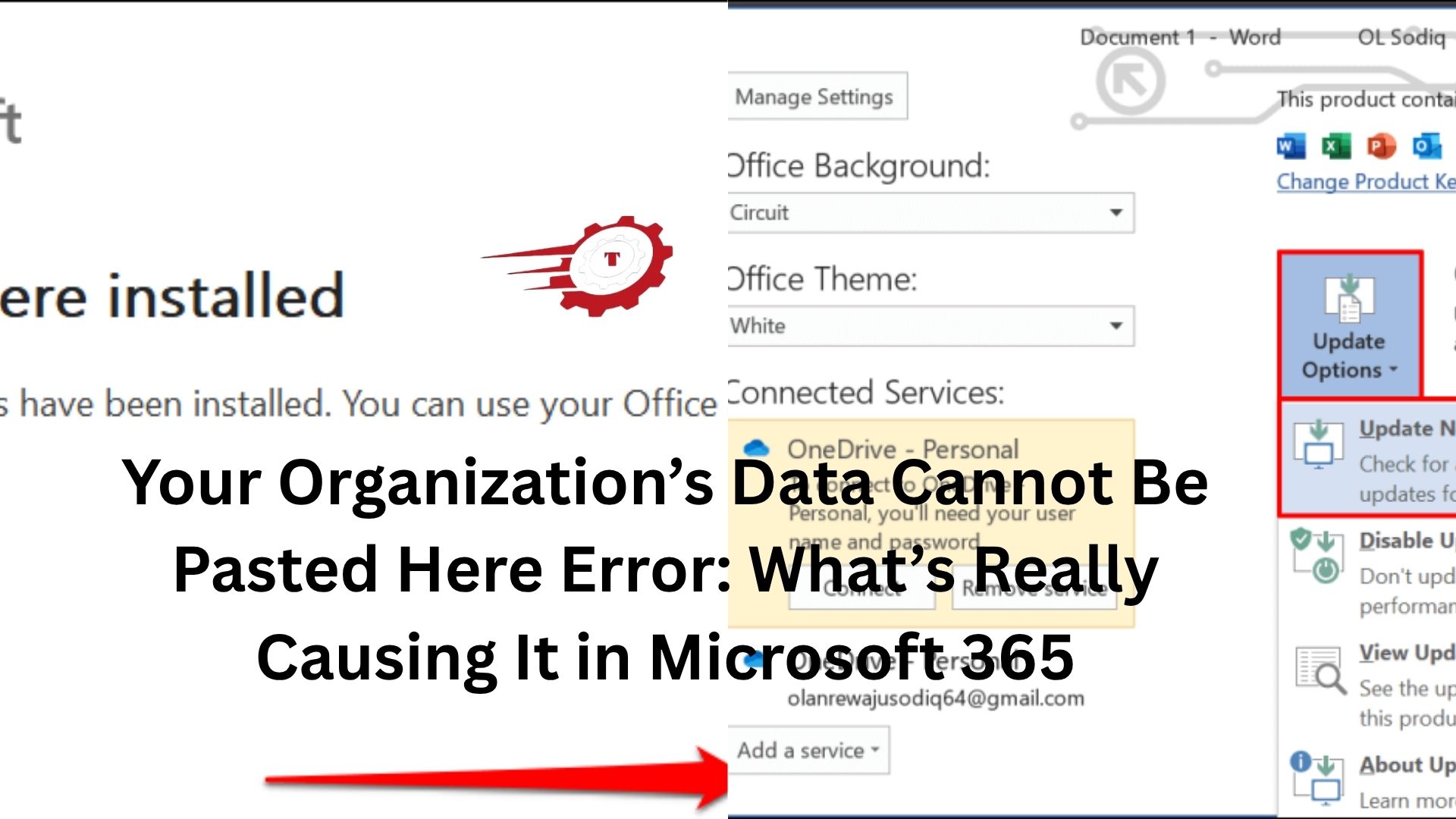
- Update your Microsoft 365 apps
- Try again in a few minutes
If it happens consistently:
- Check whether you’re moving data between approved apps
- Use a Microsoft app as a “middle step” if needed
- Avoid mixing work and personal apps for copy/paste
And if it’s blocking legitimate work:
- Talk to your IT team
- Explain the exact scenario (what you copied, where you pasted)
- Ask if there’s a policy adjustment or approved alternative
A lot of people skip that last step, but it’s often the most useful one. Policies can be tweaked—just not by you directly.
Why Organizations Enforce This in the First Place
It’s easy to see this as an inconvenience. And in the moment, it is.
But there’s a bigger picture.
Data leaks don’t usually happen through dramatic hacks. They happen through small, everyday actions:
- Copying client data into a personal app
- Sharing internal notes through unsecured channels
- Moving sensitive info into tools that aren’t protected
This error exists to stop those quiet leaks.
From an IT perspective, it’s not about mistrusting employees. It’s about reducing risk in environments where data moves constantly.
Still, there’s a balance to strike. Too strict, and productivity suffers. Too loose, and security weakens.
Most organizations are still figuring out that middle ground.
The Bottom Line
That “Your organization’s data cannot be pasted here” message isn’t random, and it’s rarely a bug.
It’s a signal that you’ve crossed a boundary set by your organization’s data protection policies. Sometimes the rule makes perfect sense. Sometimes it feels overly cautious.
Either way, the fix isn’t usually technical—it’s about understanding the rules you’re working within.
Once you know what triggers it—app restrictions, outdated software, sensitivity labels—it stops feeling mysterious. It becomes predictable.
And when something is predictable, it’s a lot easier to work around—or work with.
