

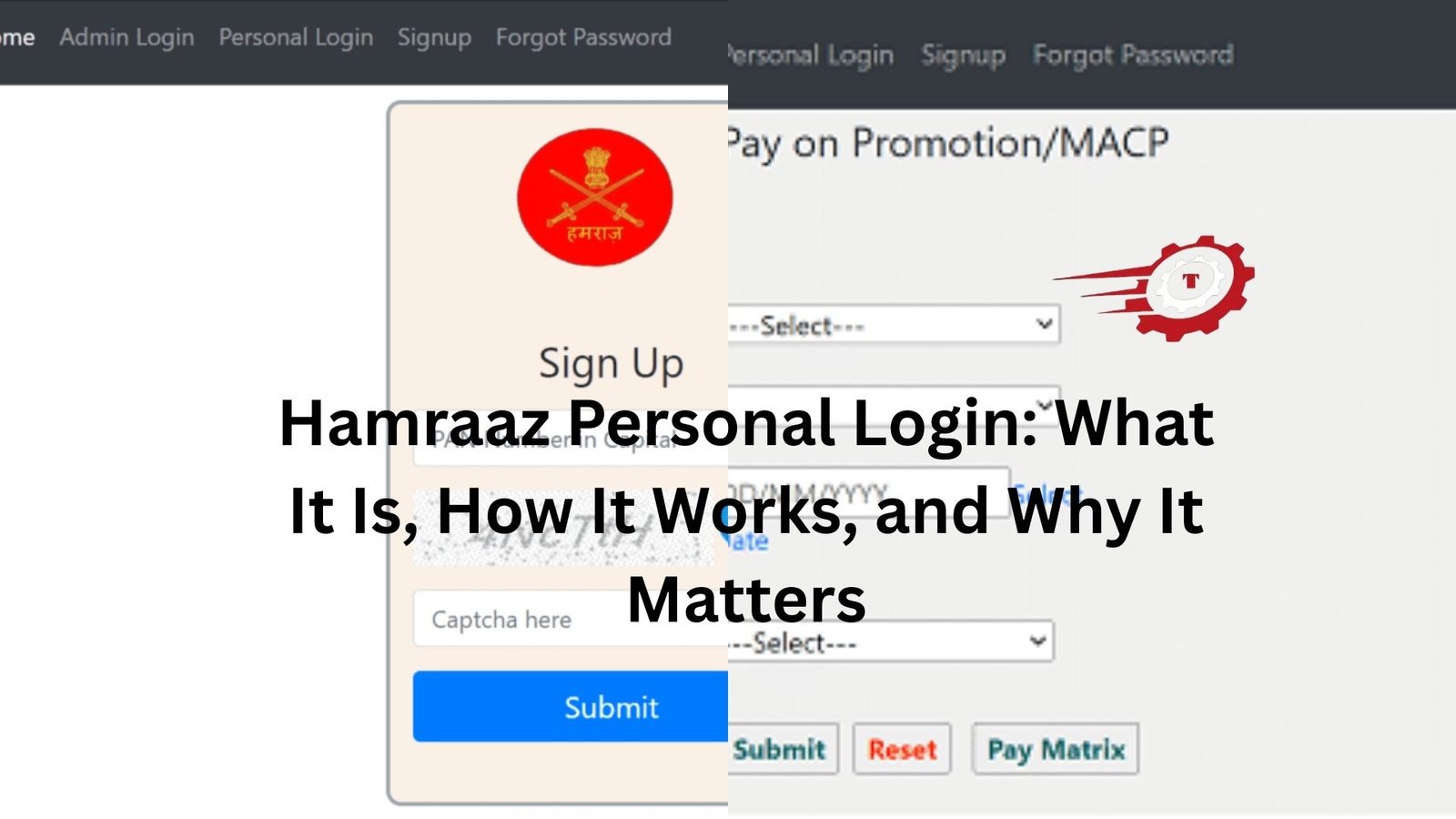
If you’ve ever spoken to someone in the Indian Army about managing payslips or service details, chances are you’ve heard the word Hamraaz come up. It’s not just another government app. For many soldiers, it’s become a quiet, everyday tool they rely on.
But the phrase “Hamraaz personal login” can feel a bit confusing at first. Is it a website? An app? Why does everyone stress about login issues?
Let’s clear it up properly, without overcomplicating things.
What “Hamraaz Personal Login” Actually Means
At its core, Hamraaz is a mobile application designed specifically for serving Indian Army personnel. It’s not meant for civilians, and it’s not something you casually sign up for like a social media account.
The “personal login” part refers to the secure access each soldier has to their own data—things like payslips, Form 16, service details, and other personal records.
Think of it like a private digital file cabinet. Only you should be able to open it.
That’s why the login process is strict. And yes, sometimes a little frustrating.
Why Soldiers Use Hamraaz So Regularly
Now here’s the thing. Before apps like Hamraaz existed, accessing payslips or service records wasn’t always straightforward. It often meant going through administrative channels, waiting, following up, and sometimes waiting some more.
Hamraaz changed that.
A soldier posted in a remote area can now check their monthly pay details within minutes. No paperwork, no middle steps. Just log in and it’s there.
Imagine being stationed somewhere with limited connectivity, wanting to confirm whether an allowance has been added. Instead of calling multiple people, you just open the app when you get signal. That convenience matters more than it sounds.
Getting Started with Hamraaz Login
If you’re new to it, the login process might feel a bit rigid. That’s intentional.
To access your account, you typically need:
- Your PAN number (used as a user ID)
- A password you set during registration
- Occasionally, an OTP (one-time password) for verification
It’s not designed to be “quick and easy” in the casual sense. It’s designed to be secure.
And honestly, that’s a good thing. This isn’t an app where you’d want loose security.
The Password Problem Everyone Faces
Let’s be honest—most login issues come down to passwords.
People forget them. Or they create something complicated and never write it down. Or they mix up uppercase letters and special characters.
A common scenario: someone tries to log in after a few months, enters what they think is the correct password, and gets locked out after multiple attempts.
If that sounds familiar, you’re not alone.
Resetting the password usually involves verifying your identity through OTP or answering security questions. It works, but it can take a few tries if you’re not careful with the details.
The best approach? Keep your password secure, but also memorable. Something structured, not random chaos.
When Login Doesn’t Work (And It’s Not Your Fault)
Here’s where things get interesting.
Sometimes the login fails even when your details are correct. And no, you’re not imagining it.
There are a few reasons this happens:
Server issues are one. Since Hamraaz is used by a large number of personnel, traffic spikes can affect performance.
Then there are app updates. An outdated version can cause login errors or unexpected glitches.
And occasionally, connectivity plays a role. A weak network can interrupt authentication requests, especially when OTP verification is involved.
A simple example: you enter your login details perfectly, but the OTP arrives late. By the time you enter it, it’s already expired. That’s not a user error—it’s just timing.
App vs Website: What You Should Know
There’s often confusion about whether Hamraaz is a website or just an app.
Originally, it was mainly app-based. Over time, web access options have also appeared, but they’re not always as reliable or widely used as the mobile version.
Most soldiers stick to the app. It’s more direct, and frankly, it tends to work better for everyday use.
If you’re trying to log in through a browser and running into issues, switching to the app usually solves the problem.
Security Isn’t Just a Buzzword Here
It’s easy to overlook security until something goes wrong.
Hamraaz deals with sensitive personal and financial data. That’s why it has strict login protocols and doesn’t allow open public access.
You won’t find it on typical app stores like regular apps. It’s usually distributed through official channels to maintain control and authenticity.
And that’s important.
There have been cases where unofficial or fake versions of apps circulate online. Downloading from the wrong source can expose your data. So if something feels off—like an unfamiliar interface or unusual login prompts—it’s worth double-checking.
A Small Habit That Saves Big Trouble
Here’s a practical tip that doesn’t get talked about enough.
After logging in successfully, take a minute to review your details—especially if it’s your first login in a while.
Check your payslip. Look at deductions. Confirm allowances.
Not because you expect errors, but because catching something early is always easier than fixing it later.
It’s like checking your bank statement. You don’t expect issues, but you still glance through it.
Common Mistakes People Don’t Realize They’re Making
Some login problems are surprisingly simple.
Typing errors are a big one. PAN numbers entered with lowercase letters, or accidental spaces before or after the input.
Another common issue is using old credentials after a password change. People reset their password, then accidentally keep trying the old one out of habit.
And then there’s the device issue. Logging in from a new phone without clearing old app data can sometimes create conflicts.
None of these are major problems on their own. But combined, they can make the login process feel more complicated than it really is.
How Often Should You Log In?
There’s no fixed rule, but here’s a realistic take.
Most users log in once a month—usually when payslips are released.
Some log in more frequently if they’re tracking changes in allowances or service details.
The key is consistency. Logging in regularly means you’re less likely to forget your credentials and more likely to notice anything unusual.
If you leave it untouched for months, you’re almost guaranteed to hit a login snag when you finally return.
When You Actually Need Help
Sometimes, despite everything, you just can’t log in.
At that point, it’s better to stop guessing and follow official support channels rather than trying random fixes.
Repeated failed attempts can temporarily lock your account. That only makes things more frustrating.
If you’re stuck, it’s usually quicker to reset properly or seek help than to keep retrying different combinations.
The Bigger Picture
Hamraaz personal login isn’t just about accessing an app. It reflects a broader shift.
Administrative processes that once took time and effort are now handled digitally. That’s a big deal, especially in a structured environment like the military.
But with that convenience comes responsibility—remembering credentials, keeping data secure, and using the system correctly.
It’s not complicated once you get used to it. But the first few interactions can feel a bit rigid.
Final Thoughts
Here’s the simple truth: Hamraaz works well when you treat it carefully.
Keep your login details secure but accessible to you. Update the app when needed. Don’t ignore small issues when they appear.
And most importantly, don’t overthink the process.
It’s just a secure doorway to your own information. Once you understand how it behaves, it becomes part of your routine—quiet, reliable, and actually quite useful.
